A lifestyle upgrade is worth doing when it removes a recurring friction — a light you cross a room to switch, a lock you re-key for every guest, a thermostat you argue with every season — and it is worth skipping when it only adds an app. The upgrades that hold up share three traits: they replace something you already touch daily, they keep working when the internet or the hub goes down, and they cost less in attention than the thing they replaced. Everything below is about choosing those, in the right order, and knowing what each one actually asks of you.
Start with the electrical layer, because everything else assumes it
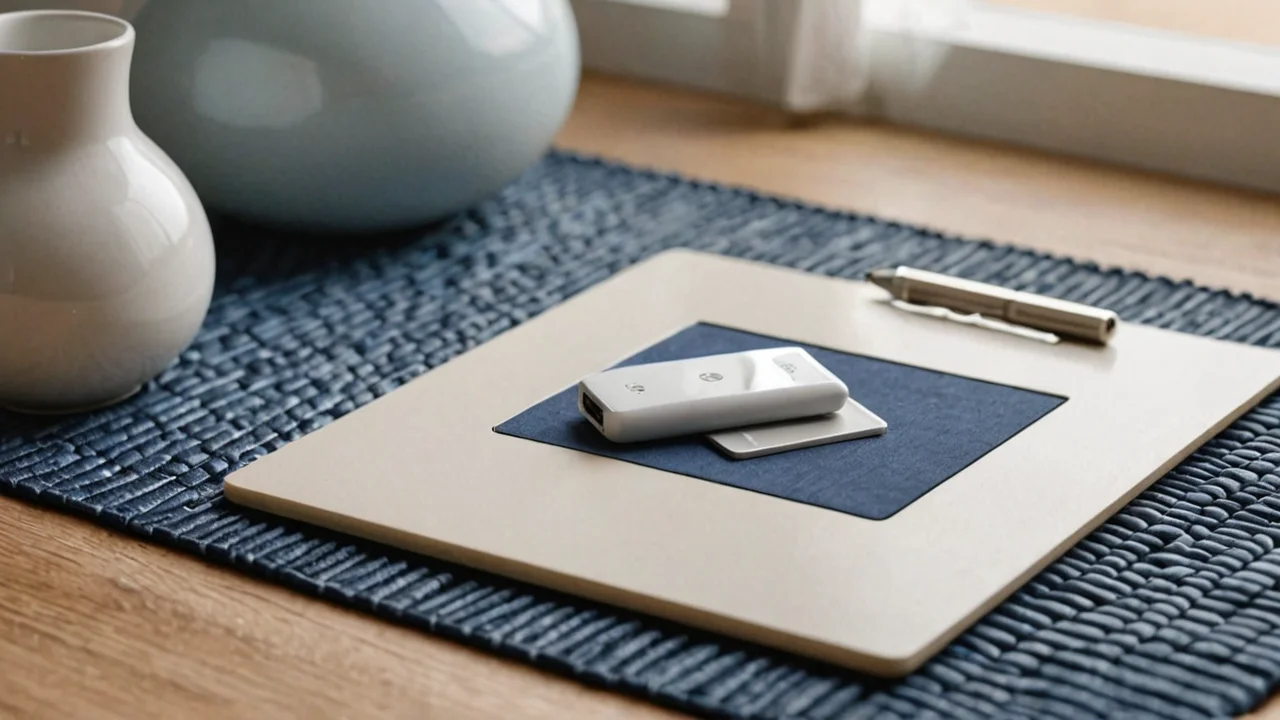
Smart plugs are the cheapest real upgrade and the one most people get wrong, not on features but on load. A plug is a mains adapter between the outlet and the device, switched over Wi‑Fi and controlled by an app or voice assistant, and its rating is a hard ceiling, not a suggestion. TP‑Link's Kasa line is a useful measuring stick because the numbers are published per model: the KP125M with energy monitoring is rated 15 A, 1800 W at 100–120 V~, 50/60 Hz; the older HS100 is 100–120 VAC, 15 A; the outdoor EP40A is 125 V~, 60 Hz, 15 A, 1875 W, 1/2 HP motor; and the outdoor KP400 is 15 A max total load with the same 1/2 HP motor rating.
Read those as two different kinds of limit. The amperage cap is about the plug's relay and internal wiring; the motor rating is about inrush current, the brief spike a compressor or pump draws at startup that a resistive load like a lamp never produces. A space heater, a window air conditioner, a sump pump or a garage freezer all belong on a plug rated for that job, and a 1/2 HP motor rating on an outdoor plug is there for exactly that reason. If a plug feels warm to the touch after an hour under load, or the app shows the device dropping offline when the compressor kicks on, you are at or past the edge — move that device to a plug with headroom or leave it on a plain outlet.
The honest cost of plugs is that they are the least interesting upgrade. They do not learn anything. What they do is convert dumb devices into schedulable ones: a lamp that comes on before you get home, a dehumidifier that runs only in the hours that matter, a holiday string that turns itself off at midnight. Put them where a schedule or a remote switch genuinely saves you a trip, and skip the ones where you would just be adding an app to a light switch you walk past anyway.
Lighting is where upgrades compound — and where standards bite
Smart lighting is any bulb, switch or fixture that is networked and controllable for on/off, dimming, color and automation through an app, hub or voice assistant, and the choice that matters is not color versus white — it is bulb versus switch. A smart bulb is a five-minute install and dies with the switch, because someone will flip the wall switch and cut its power. A smart switch keeps the bulb dumb and the control permanent, but it needs a neutral wire in the box, which many older homes do not have at the switch. Check for the neutral before you buy anything; a single missing wire turns a weekend project into an electrician visit.
Bulbs are the right call for renters, for lamps that are not on a switch, and for the two or three fixtures where color actually earns its keep — a bedside lamp that goes warm and dim at night, a porch light that shifts with sunset. Switches are the right call for ceiling fixtures on a wall circuit, especially in hallways and kitchens where the switch is the interface everyone already uses and nobody wants to open an app to make coffee. The trade-off is real: switches cost more per point of control and require wiring competence, while bulbs are cheap but multiply — a six-bulb fixture is six devices to keep firmware-current and six things to replace when a protocol is retired.
Protocol is the quiet decision underneath both. Wi‑Fi bulbs are simple and need no hub but crowd your router; Zigbee and Thread bulbs need a hub or border router but form a mesh that keeps working locally. If your household has more than a handful of connected devices, local control stops being a hobbyist preference and becomes the difference between lights that respond instantly and lights that respond after a round trip to a server. Test this before you commit to a whole house: pull the internet at the router for a minute and see which lights still obey the switch and the app.
Locks: buy for the guest problem, not the gadget
A smart deadbolt is the upgrade with the clearest payback, because the friction it removes — handing out keys, re-keying after a contractor, letting a dog walker in at a fixed time — is friction you feel every week. Buy for the mechanism and the fallback first: a keyway you can still use, a bolt that throws smoothly in your door's existing strike plate, and a battery door you can reach without a screwdriver. The app is the easy part.
Plan for the reset before you need it, because it is the step people get wrong at the worst moment. On a Kwikset Signature Series or SmartCode deadbolt, a factory reset means pressing and holding the Program button for 30 seconds while reinserting the battery pack, until the lock beeps and the LED flashes red. That is a two-handed procedure, which means you cannot do it while also holding a phone and reading instructions — write it down and keep it with the spare battery. A lock that has dropped off the network and will not rejoin is a lock you reset, and a lock you reset is a lock you re-pair and re-issue codes for.
The cost side is battery and dependence. Every smart lock trades a key for a battery, and every battery eventually dies at an inconvenient hour; the models worth owning warn you in the app weeks ahead and still take a key or a 9V jump. If your door is in a rental you do not control, or the strike plate is already misaligned enough that you have to lift the handle to lock it, fix the door first — no amount of app will make a binding bolt reliable.
Thermostats are the upgrade with the longest payback and the most wiring risk
A smart thermostat is an internet-connected temperature controller you can program and adjust remotely, often learning household schedules and giving energy-use feedback, and it integrates with HVAC equipment only within the manufacturer's wiring and voltage specifications. That last clause is the whole game. Before you buy, photograph your existing wiring and count the wires — a system with no C-wire may need an adapter or a pull from the air handler, and a heat pump or multi-stage system needs a thermostat that explicitly supports it. Getting this wrong does not produce a bad app experience; it produces a system that short-cycles, runs the aux heat when it shouldn't, or refuses to call for heat at all.
The upgrade pays back in scheduling and setback, not in magic. The learning features are genuinely useful in a house with a predictable routine and genuinely annoying in one with shift work or a home office that moves around. Set explicit schedules first and let learning refine them; if the thermostat keeps pre-heating an empty house, turn the learning off and keep the remote control, which is the part you will actually use from bed or from the airport.
Skip it if your HVAC is at the end of its life or your ducts leak, because a smarter controller cannot fix an inefficient system — it just schedules it more precisely. And keep the old thermostat in a drawer with a photo of the original wiring; the day you sell the house or a board fails, that photo is worth more than the app.
Automation is a stack, and the order you build it in decides whether it survives
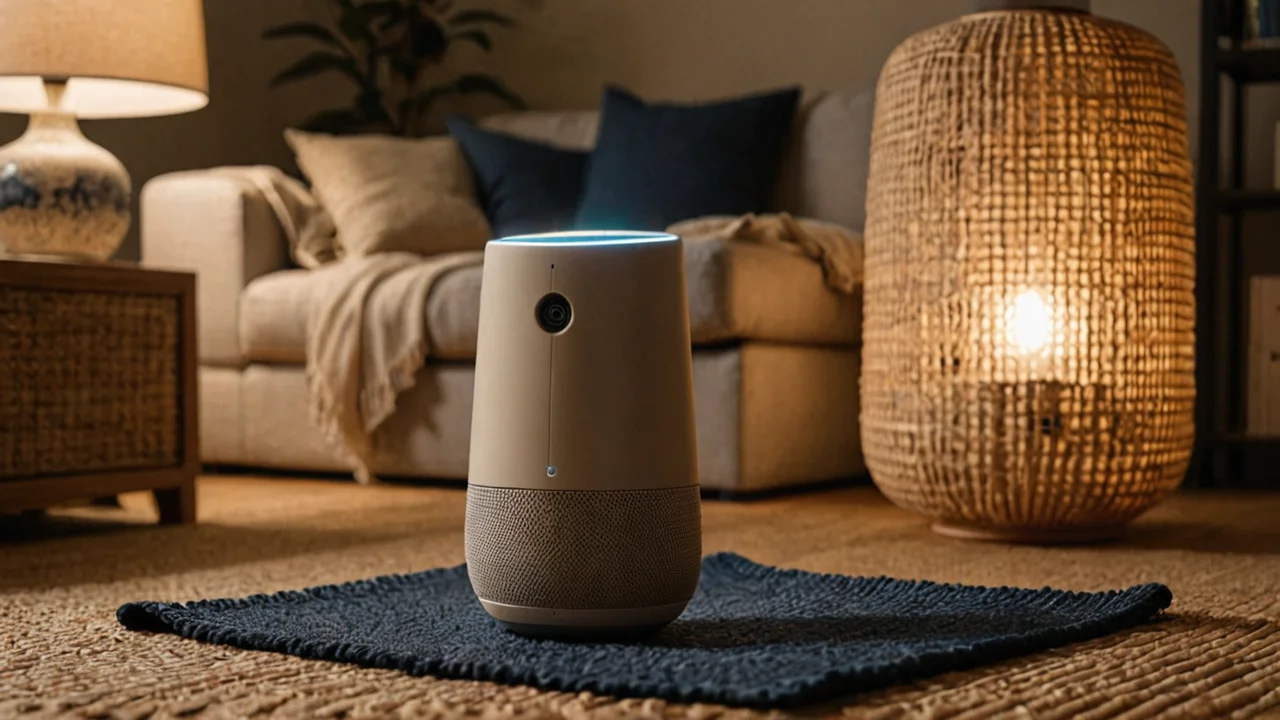
Home automation means networked controllers, sensors and actuators monitoring and controlling lighting, climate, locks and appliances through schedules, scenes and remote access, and the practical version of that definition is a layered stack. Layer one is devices that work on their own — a plug with a schedule, a bulb with a routine, a lock with codes. Layer two is a hub or platform that ties them together and runs scenes. Layer three is sensors and conditions: motion, door contacts, temperature, presence. Build in that order and each layer is useful on its own; build from the top and you have a beautiful dashboard wired to devices that do nothing when the hub is down.
Scenes are where the upgrade stops feeling like a collection of apps. A good scene is boring and specific: entry lights at a dim level after sunset, the porch light on when the door unlocks, heat down when the last phone leaves the house. Each one should replace a decision you make more than once a day. If you cannot name the decision a scene removes, it is decoration.
The honest limits are local control and longevity. Cloud-dependent devices stop responding when the internet does, and every cloud service is a promise with an end date. Prefer platforms that run automations locally, keep the critical paths — entry light, lock, heat — on hardware that works without a phone, and expect to replace a hub or a bridge at least once over the life of the house. That is the real cost of the stack: not the devices, but the periodic re-pairing when a standard moves on.
What to buy first, second and never, and what each choice costs
Buy in the order you feel the friction. The first dollar goes to the thing you touch most often and complain about most: usually a lamp on a schedule, a porch light, or a lock with codes for the people who come and go. The second goes to climate, because the payback is slow but the remote control is immediate. The third goes to the hub and sensors, once you have enough devices that scenes save real decisions. Anything that does not fit that order can wait a season; if you still want it then, you actually want it.
| Upgrade | What it removes | What it costs you | Wrong choice when |
|---|---|---|---|
| Smart plug | Trips to switch a dumb device; wasted run hours | A plug per device; load limits to respect | The device is a high-draw heater or motor and the plug's rating is close |
| Smart lighting | Crossing a room; forgetting to turn things off | Bulb-per-fixture upkeep, or a neutral wire for switches | No neutral at the switch and you wanted switch control |
| Smart lock | Key handoffs, re-keying, letting people in | Battery dependence; a reset procedure you must know | The door binds or you cannot change the hardware |
| Smart thermostat | Manual setbacks; coming home to the wrong temperature | Wiring compatibility check; learning that fights your routine | HVAC is failing or ducts leak |
| Hub and sensors | Juggling apps; manual scene changes | One more device to maintain; periodic re-pairing | You have fewer than a handful of devices to coordinate |
Never buy an upgrade whose only benefit is a notification. A door sensor that pings your phone is not security; a camera that records a driveway is not a lock. The upgrades that change how a house feels are the ones that take a decision away and keep working when the network is down, and the test is simple: unplug the router for an hour and walk through the house. Whatever still works is the upgrade you actually bought. Whatever doesn't is the thing to fix next.
The last trade-off is attention. Every connected device is a small ongoing obligation — firmware, batteries, an app that changes its interface, an account that wants a password rotation. A house with four well-chosen upgrades you understand beats a house with twenty you don't, and the difference shows up not in the dashboard but in the week something breaks and you know exactly which device it is and how to reset it. Choose fewer things, choose them where the friction is, and keep the manual override within arm's reach.