Home security in a smart-home context comes down to three layers that fail independently: entry points (locks, doors, windows), awareness (cameras, sensors, sirens), and the network that ties them together. Almost every disappointment — a lock that won't respond, a camera that misses the event, a hub that drops offline — traces back to one of those layers being chosen without regard for the other two. Get the layers in the right order and the rest is shopping.
Start with the doors, because a lock is the only device an intruder has to touch
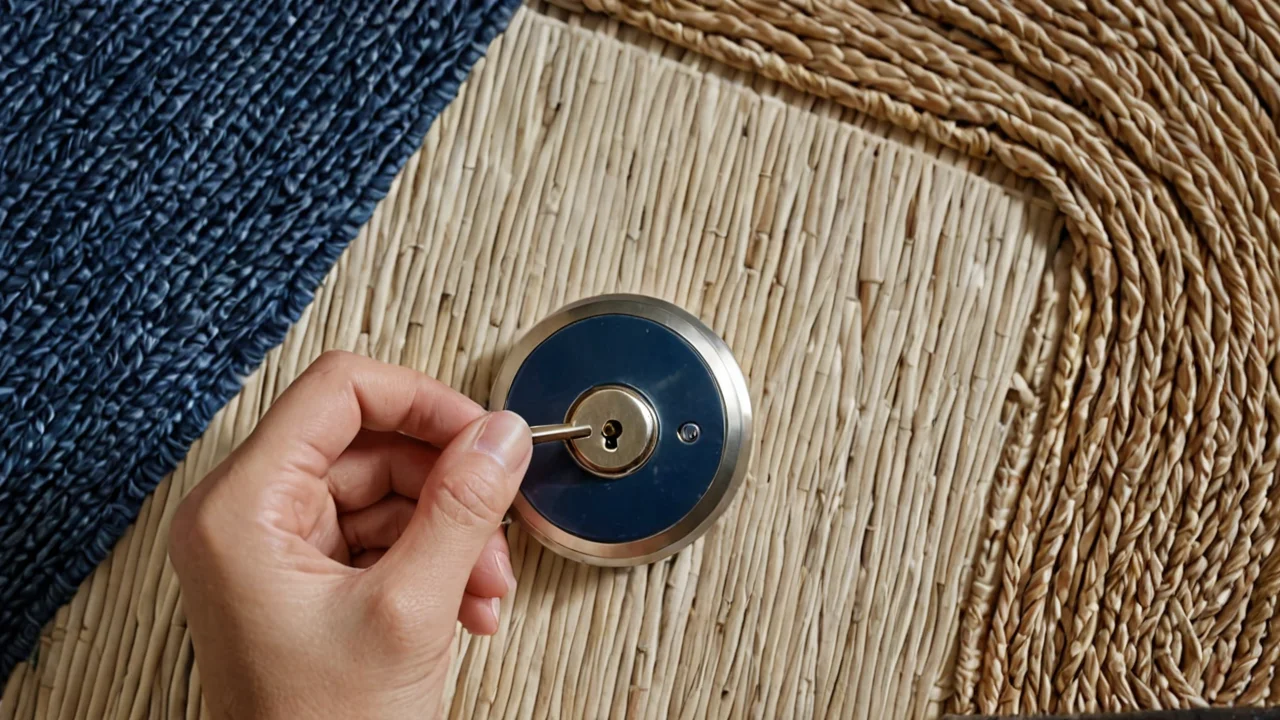
A smart deadbolt is the highest-value purchase in a home security kit, and it is also the one where the mechanical design matters more than the radio. Buy a lock whose keypad and motor sit on a deadbolt with a physical ANSI Grade rating and a real cylinder — the electronics are replaceable, the bolt is not.
The decision that trips people up is how the lock talks to the rest of the house. There are three real options. Bluetooth-only locks are the cheapest and require you to be within a few feet with your phone out; they are fine for a single door in a small apartment and frustrating for a family. Wi-Fi locks connect directly and need no hub, but they drain batteries faster because the radio stays live, and they put one more device on your router. Z-Wave and Zigbee locks need a hub but run for months on a set of batteries and mesh with every other sensor in the house, which is what you want once you have more than one or two smart devices.
Whichever you pick, learn the factory reset procedure before you need it — not after a dead battery or a changed phone leaves you locked out of your own admin. On the Kwikset Signature Series and SmartCode deadbolts, for example, the reset is a press-and-hold of the Program button for 30 seconds while you reinsert the battery pack, held until the lock beeps and the LED flashes red. That is a physical sequence you perform at the door, which is exactly why it works when the app doesn't.
The honest trade-off: smart locks introduce a failure mode a key never had — a dead battery, a dropped Wi-Fi connection, a firmware update mid-lock. Most models ship with a keyway or a 9V jump terminal for this reason. Keep the physical key somewhere other than inside the house, and check battery level monthly rather than waiting for the low-battery chirp at an inconvenient hour.
Cameras and sensors answer different questions, and most people buy the wrong one first
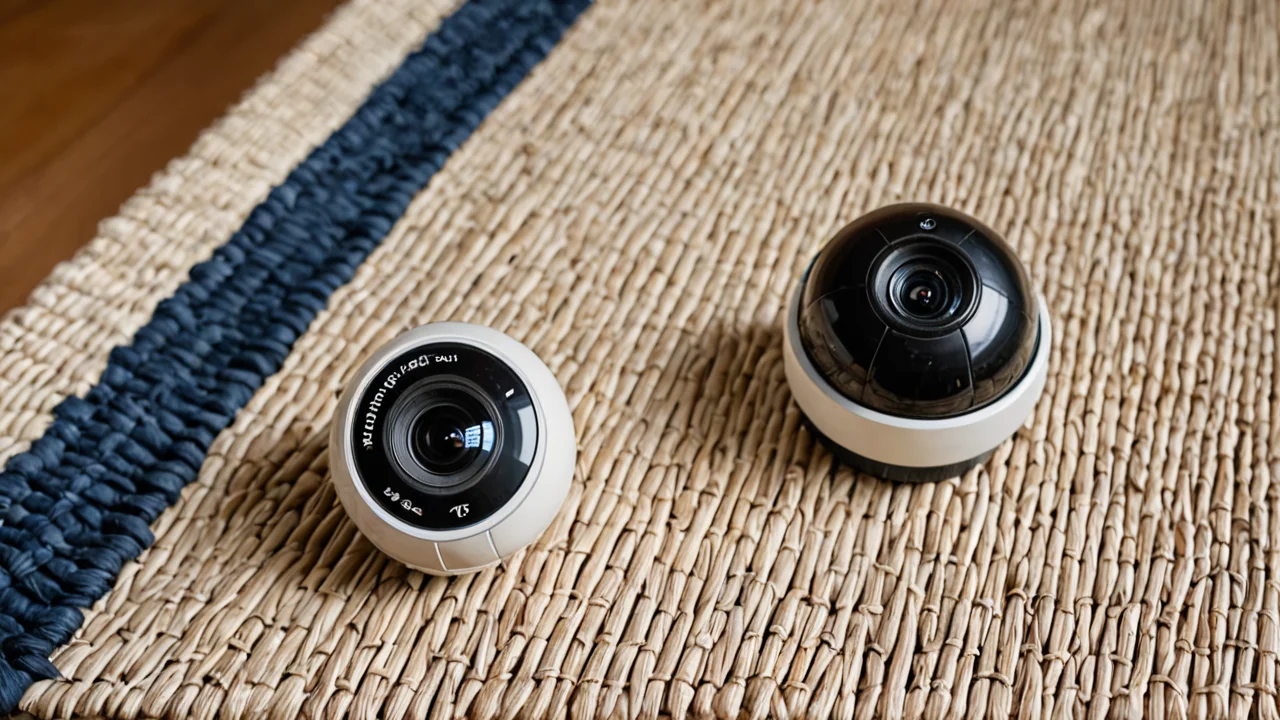
A camera tells you what happened. A sensor tells you that something happened. If your goal is to know when someone is at the door or in the yard, a contact sensor or a motion sensor costs a fraction of a camera, runs for years on a coin cell, and never misses an event because of a cloud outage or a bad night-vision frame. If your goal is to identify a person or a package, you need the camera.
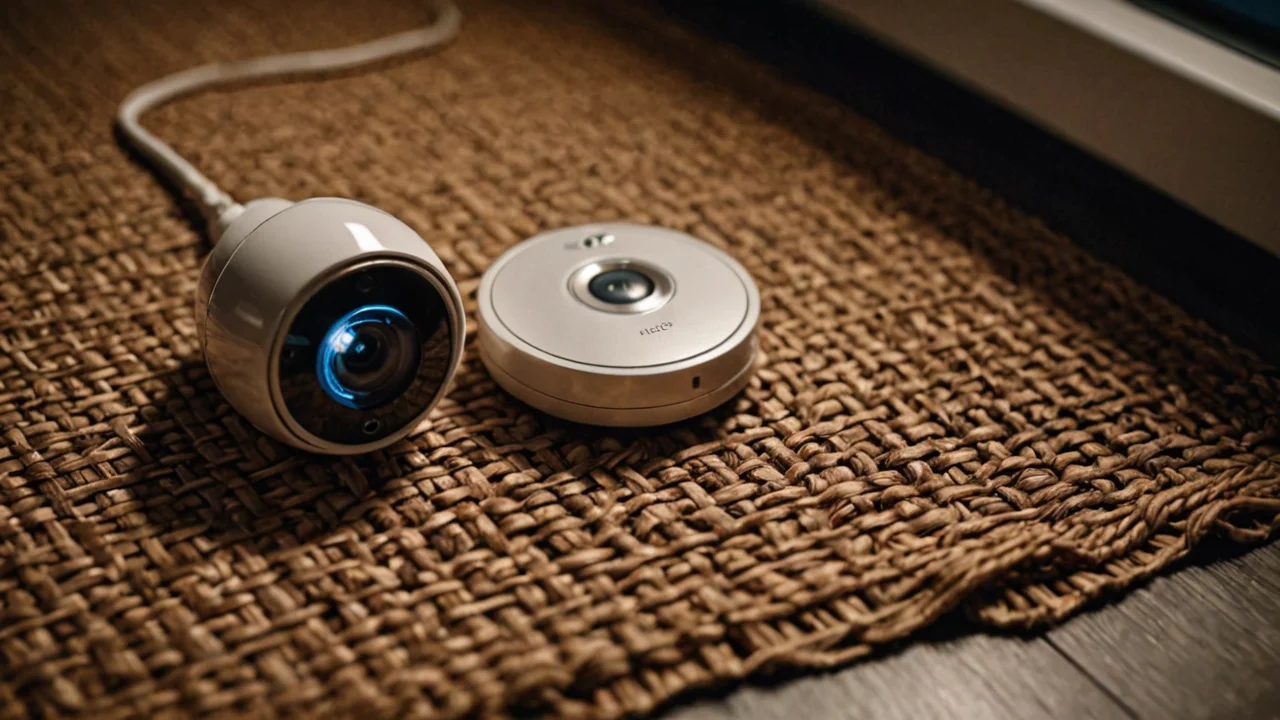
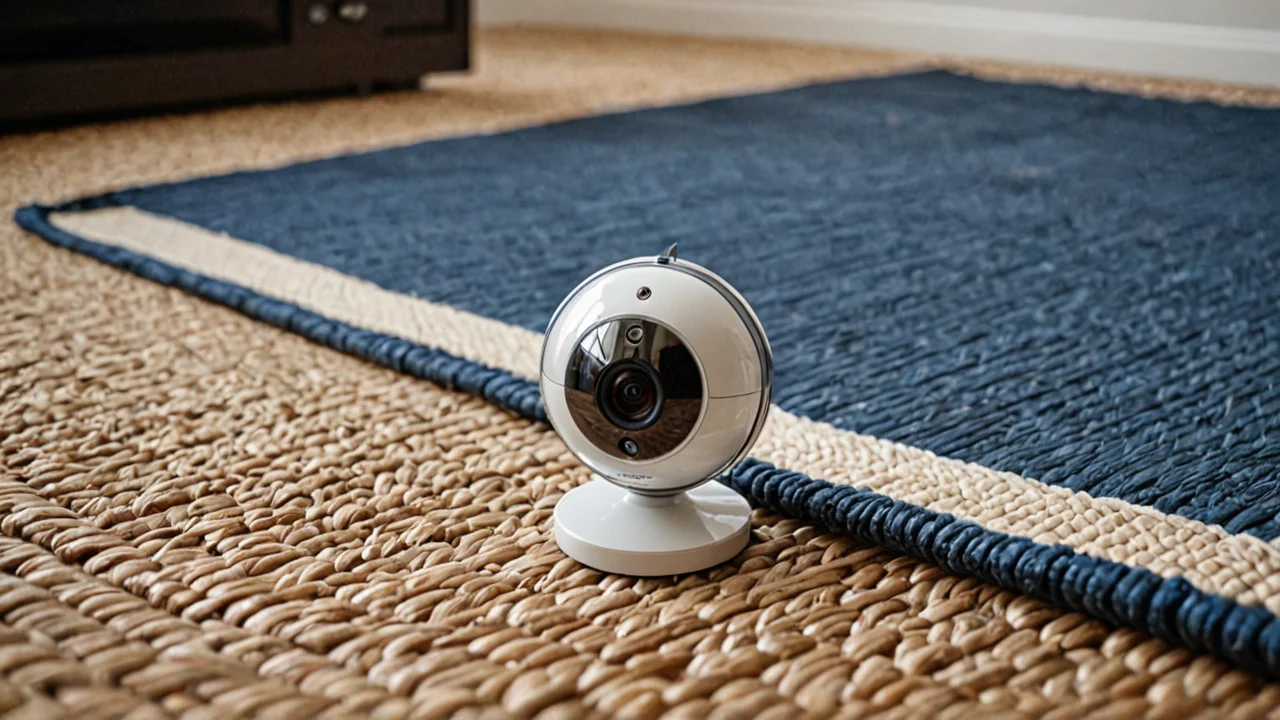
Cameras split on one decision: local recording versus cloud subscription. Local systems — a base station with a hard drive or SD card, or a network video recorder — cost more up front and nothing monthly, and they keep working when your internet does not. Cloud cameras are cheap to buy and then charge you every month per camera for anything beyond live viewing, and they stop recording the moment the uplink drops. Neither is wrong; the subscription model is the right call for a renter who moves often, and local recording is the right call for anyone with four or more cameras, where the monthly bill compounds.
Placement matters more than resolution. A camera aimed at the street from a second-floor window will give you a clear image of a car and a useless image of a face. Put the door camera at head height, angled down, under an eave so rain doesn't streak the lens. Put an indoor camera where it sees the door and the hallway, not the sofa — and think hard before putting any camera in a bedroom or bathroom, because a compromised cloud account is a real and recurring attack.
For sensors, the practical minimum is a contact sensor on every exterior door and a motion sensor in the main hallway. Glass-break sensors are worth it on ground-floor windows facing a street. Water-leak sensors aren't security in the intrusion sense, but they catch the most common expensive household disaster, and they cost little enough that skipping them is hard to justify.
Lighting is the cheapest deterrent you can automate, and the schedule is the whole trick
Smart lighting earns its place in a security setup because it changes the appearance of an occupied house from the outside, and it does so for the price of a few bulbs. The mistake is treating it as a convenience feature. A porch light on a fixed dusk-to-dawn schedule is barely better than a mechanical timer; randomized on/off times across several rooms, plus a porch light that comes on with motion, is what makes a house look lived in.
You have two ways to get there. Smart bulbs screw into existing fixtures and are the easy retrofit, but they need the wall switch left on permanently, and a family member who flips the switch off kills the automation silently. Smart switches replace the wall switch, keep working manually, and control the whole fixture — better for porch lights and hallways, worse for lamps with no switch wiring. Most houses end up with a mix.
Cheap smart plugs are the third option and the one people underrate. A plug on a lamp gives you scheduled lighting with no wiring and no bulb cost. Watch the ratings: the Kasa Smart Wi-Fi Plug Slim with Energy Monitoring (KP125M) is rated for a maximum resistive load of 15 A, 1800 W at 100–120 V~, and the older HS100 is rated 100–120 VAC, 15 A. Those numbers are for resistive loads. A lamp is fine. A space heater or a window air conditioner is not a load to put on a plug rated for a lamp, and the failure mode is a melted plug, not a warning in the app. If you want to switch something outdoors, use an outdoor-rated plug — the Kasa EP40A is rated 125 V~, 60 Hz, maximum load 15 A, 1875 W, 1/2 HP motor, and the KP400 is rated 15 A max total load with a 1/2 HP motor rating — and keep holiday lighting well inside those limits.
One more thing about lighting as a deterrent: it works only if it's inconsistent. A schedule that turns the same three lights on at the same minute every night is as readable as a dark house. Randomize by a window of minutes, and let motion override the schedule at the front door.
Heating and cooling is the automation people notice, and the one most likely to be miswired
A smart thermostat is worth installing for two reasons that have nothing to do with security: it saves energy by not heating an empty house, and it tells you when the HVAC has failed while you're away. It belongs in a home-security plan because a house at freezing temperatures in winter is a burst-pipe disaster, and a thermostat that reports "no call for heat despite a call" is your first warning.
The installation decision is wiring, not software. Before you buy, pull the old thermostat off the wall and photograph the terminal labels — R, W, Y, G, C, and any others. The single most common failure is a missing C wire: without a common wire, many smart thermostats either won't power on or steal power from the heating circuit and cause the system to short-cycle. Some models ship with a power adapter kit to work around it; some don't. Check before you commit, and match the thermostat to your system type — a heat pump with auxiliary heat needs a thermostat that explicitly supports multi-stage heat-pump wiring, and a line-voltage electric baseboard system needs a different product entirely, not a low-voltage thermostat.
Program it for the schedule you actually keep, not the one you wish you kept. Then leave the learning mode on for a couple of weeks before you judge it. Most complaints about smart thermostats come from people who fought the learning algorithm for the first week and then turned it off.
Hubs, protocols, and the question of what happens when the internet dies
Every smart device you add is either cloud-dependent or locally controlled, and that single distinction determines whether your house still works during an outage, whether your automations respond in under a second, and whether a manufacturer's decision to shut down a server can brick hardware you own.
Cloud-dependent devices — most Wi-Fi cameras, many Wi-Fi locks, most consumer plugs — talk to a manufacturer's server that your app also talks to. They are easy to set up and require no hub. The cost is latency: a motion-triggered light can take a noticeable beat to come on, because the command goes out to the internet and back. And the bigger cost is that when the vendor's service ends, the device stops working even though the hardware is fine.
Local systems use a hub in the house that speaks Z-Wave, Zigbee, Thread, or a local API, and executes automations on-site. Commands are near-instant, automations run with the internet down, and the devices keep working as long as the hub does. The cost is a hub purchase, more setup time, and a steeper learning curve. If you're building past a handful of devices, go local; if you're adding one lock and one camera to an apartment, cloud is fine and you should not feel bad about it.
Whichever you choose, the network underneath is the layer nobody plans for. A few practical rules: put smart devices on a separate Wi-Fi network or VLAN from your computers if your router supports it, use a guest network for anything you don't fully trust, and check that your router can handle the device count — a house with locks, cameras, plugs, sensors, and a thermostat can easily run past what a cheap router handles comfortably, and the symptom is devices that drop off and rejoin at random. Change the default password on every camera, and keep firmware updated; unpatched cameras are among the most commonly compromised devices on home networks.
Power, batteries, and the failure modes you will actually hit
Most home security systems don't fail because of an intruder. They fail because a battery died, a plug was overloaded, or a device lost its network and nobody noticed for a month.
Build a maintenance rhythm around the things that run on batteries: locks, sensors, keypads, and camera backups. Check them on a fixed schedule — the first of the month is as good as any — rather than reacting to low-battery alerts, which arrive at the worst possible time and are easy to dismiss. Keep spare batteries of each type you use in a drawer. A contact sensor that has been dead for three weeks is worse than no sensor, because you believe it's working.
Treat electrical ratings as hard limits, not suggestions. A smart plug rated for 15 A and 1800 W at 100–120 V is rated for a resistive load near that ceiling; a motor or a compressor draws a surge well above its running current, which is why outdoor plugs carry a separate horsepower rating — the EP40A and KP400 are both rated for a 1/2 HP motor. Never daisy-chain a smart plug into an extension cord into another plug, and never put a space heater on a smart plug unless the plug is explicitly rated for it. The tell that something is wrong is warmth at the plug body or a faint smell of hot plastic; unplug it immediately and don't reuse it.
Finally, plan for the day the internet goes down. Know which of your devices still work — local locks with a keypad code, locally controlled lights, a hub running on a battery backup — and which go dark. A small uninterruptible power supply on your router and hub buys you hours of continued operation during a short outage, and it's one of the cheapest resilience upgrades you can make. Test the whole system once: unplug the router, walk out the front door, and see what still works. What you learn in ten minutes is worth more than any spec sheet.